
Powerful tools and resources, unlocked for your organization
Discover everything you can do with Google for Nonprofits, learn about program eligibility, and get started.

No-cost and discounted offerings that are safe and data secure
-
2k
Google provides the only no-cost GenAI offering with enterprise-grade data protections to 2,000 nonprofit users at the organizational level through Google Workspace for Nonprofits. -
$10k
Organizations receive up to $10,000 USD each month in Google Search ads to help reach new donors, recruit volunteers, and promote campaigns. -
180+
Join organizations across 180+ geographies benefiting from enterprise-grade security and data protections on Gemini through Google for Nonprofits.
What's included
Use the latest tools in Google Workspace for Nonprofits
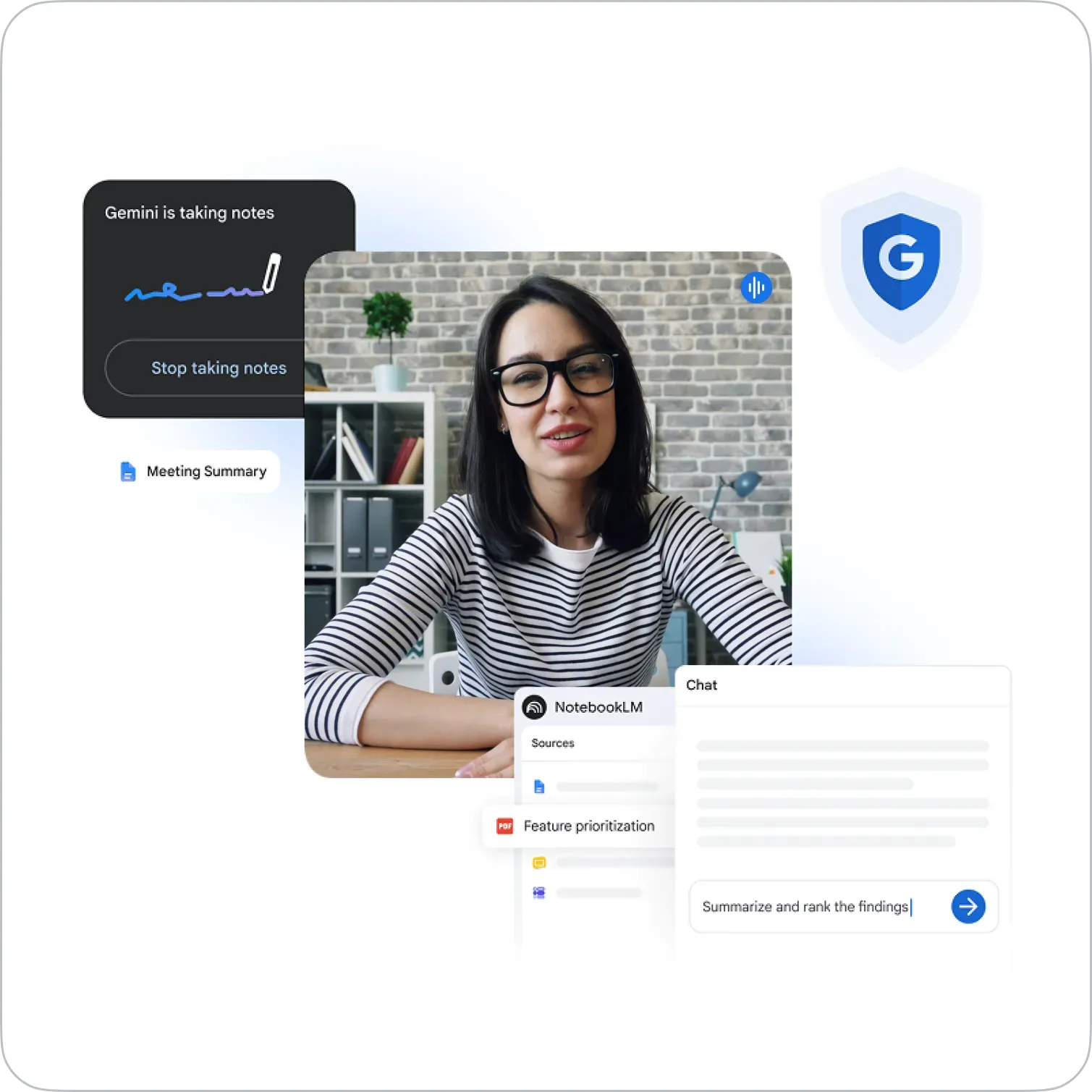
Get premium Google AI features, including access to Gemini and Gemini Notebook, alongside enterprise-grade security and data protections at no cost. Additionally, get up to 2,000 email addresses at your domain with Gmail and enable your teams to collaborate from anywhere using Google Docs, Calendar, Meet, Sheets, Forms, and Slides. Get additional features at discounted rates.
Reach new audiences with Google Ad Grants
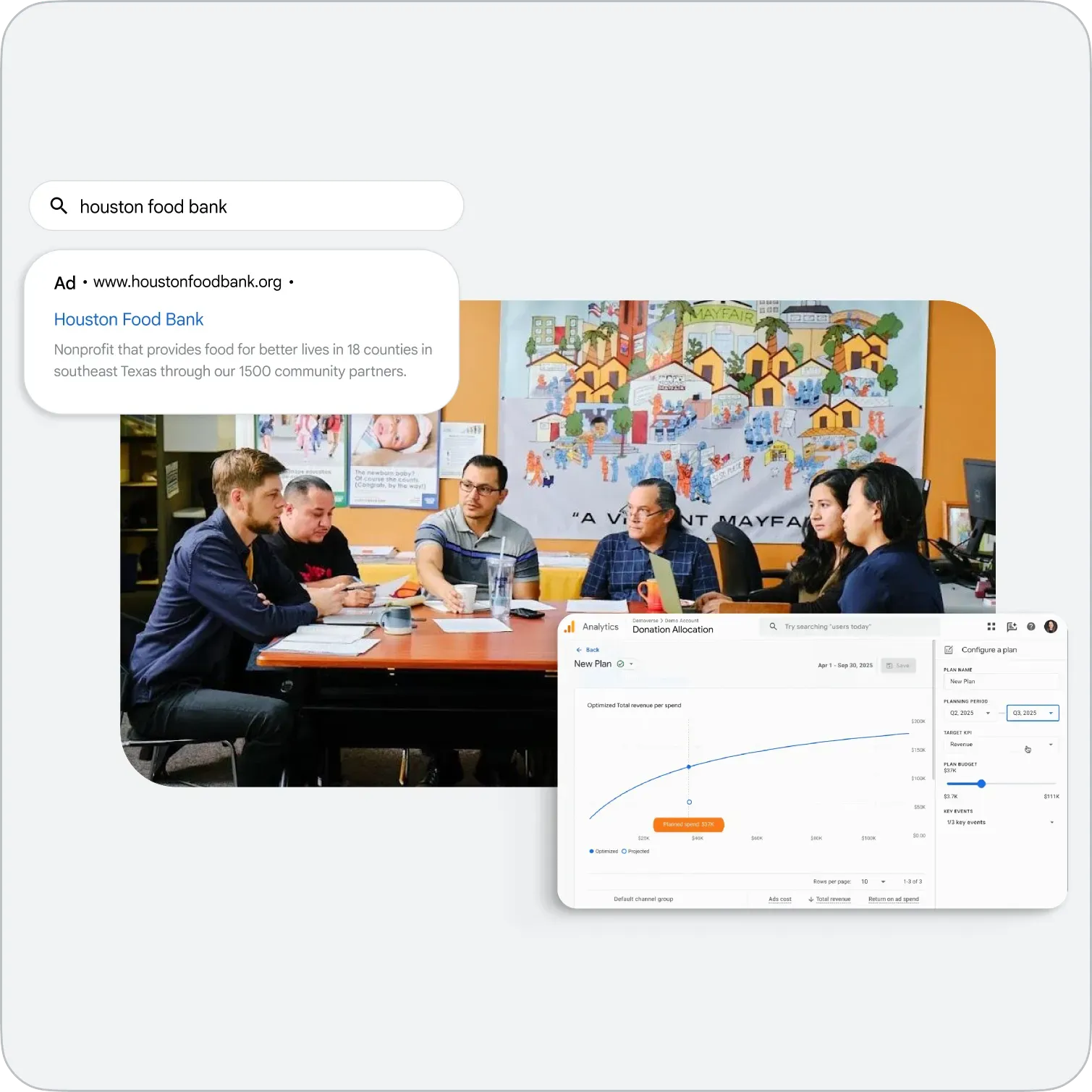
Get up to $10,000 USD per month in text-based ads on Google Search to raise awareness for your nonprofit. Track online donations, newsletter sign-ups, and volunteer registrations to stay engaged with those who drive your organization forward.
Engage your supporters on YouTube
Unlock the power of video storytelling, so you can reach a wider audience and amplify your mission.

Show your real-world impact with Google Maps Platform
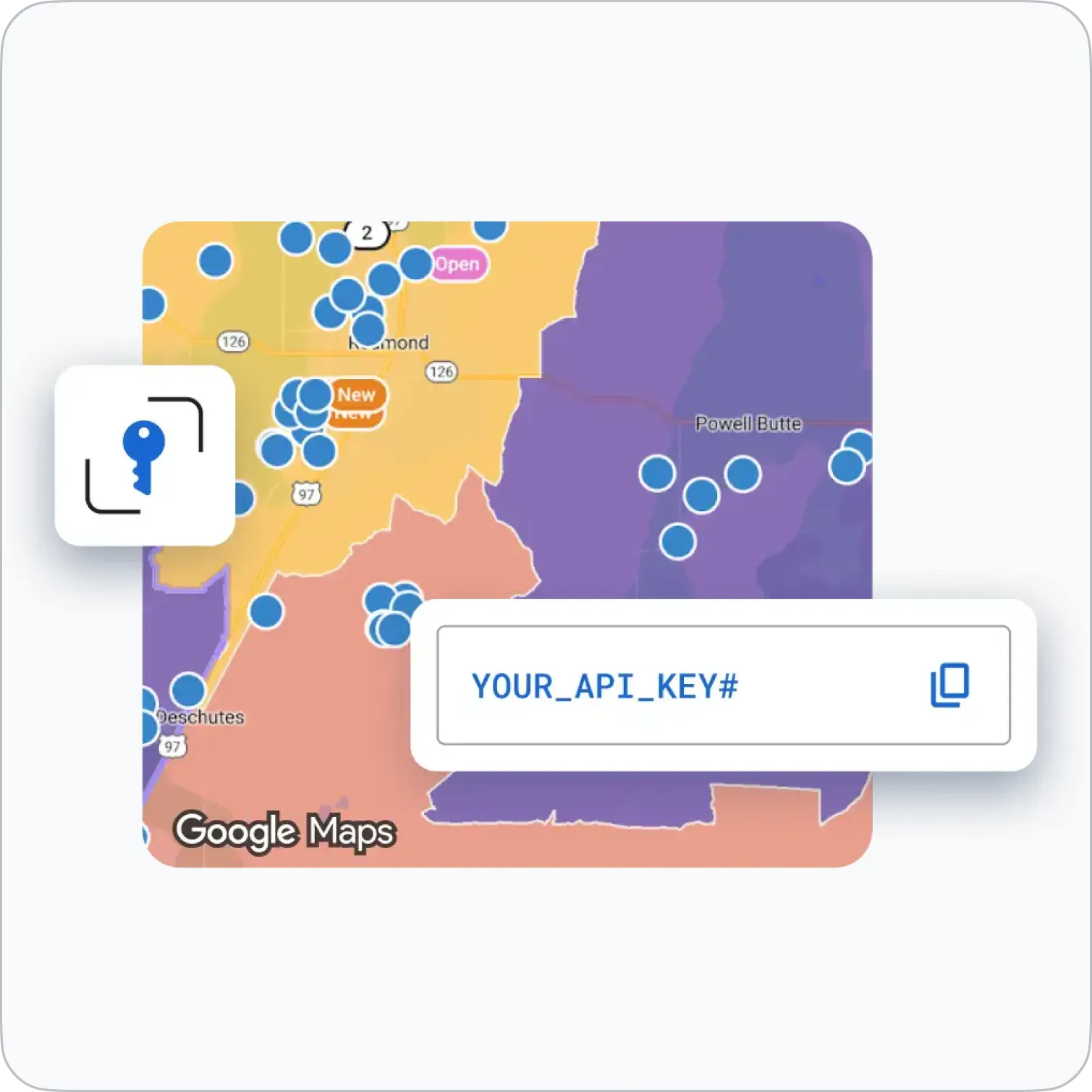
With $250 USD per month in Google Maps Platform credit, your organization can develop compelling data visualizations and share programs and resources with your community.
Ready to set up Google for Nonprofits?
Learn more about if your organization is eligible for a Google for Nonprofits account.

Once you have confirmed your organization’s eligibility, request an account.

Most requests are reviewed in 2-14 business days. You may be contacted for verification.

Activate Google for Nonprofits products. Each product needs to be activated separately.
Common questions about signing up for Google for Nonprofits
Can’t find what you’re looking for?
Once you have confirmed your organization’s eligibility, go to Google for Nonprofits and click Get started. If your organization already has an account, the system will take you through the steps to request access.
Visit our Help Center to find more information on eligibility requirements and how to get started.
Goodstack partners with companies such as Google to connect nonprofit organizations around the world with the technology tools, resources and knowledge that they need to serve their communities.
Goodstack checks legal and programmatic information of your organization to verify your status as a legally registered and active social benefit, nonprofit, or non-governmental organization.
How to get verified by Goodstack
- Go to Google for Nonprofits
- In the top right, click Get started
- Follow the steps
- Goodstack will contact you for more information or documentation so they can verify your organization, so make sure that you look for emails from verifications@mail.goodstack.org (check your spam and junk folders as well). Most requests are reviewed within 3–5 business days.
See country eligibility guidelines
Google sends the details that you provided in the Google for Nonprofits account request directly to Goodstack so they can verify your organization and that you're affiliated with it. Your information is used in accordance with the Google Privacy Policy.
How to contact Goodstack
If you have any questions or run into issues during the verification process, you can contact Goodstack directly.
To learn more about verification or find commonly asked questions about Goodstack, visit our Help Center.
Once your organization has been verified, you can activate Google for Nonprofits products. Each product needs to be activated separately.
Learn more:
- Activate Google Workspace for Nonprofits
- Activate Google Ad Grants
- Activate the YouTube Nonprofit Program
To learn more about Google for Nonprofits products, visit our Help Center.