What’s New in Chrome
A new Chrome Web Store and securing your online connection

Chrome Web Store
Discover the newly reimagined Chrome Web Store
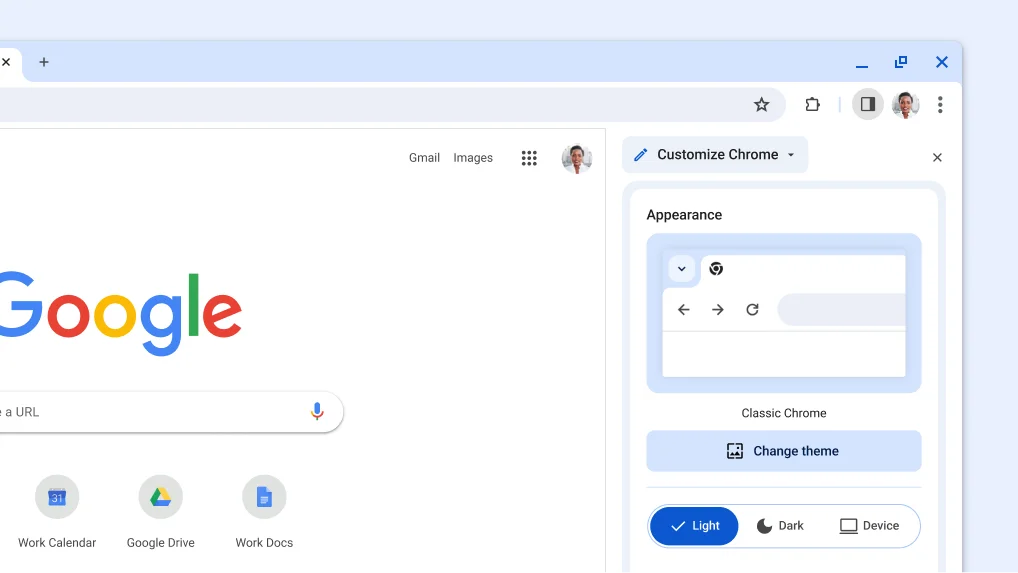
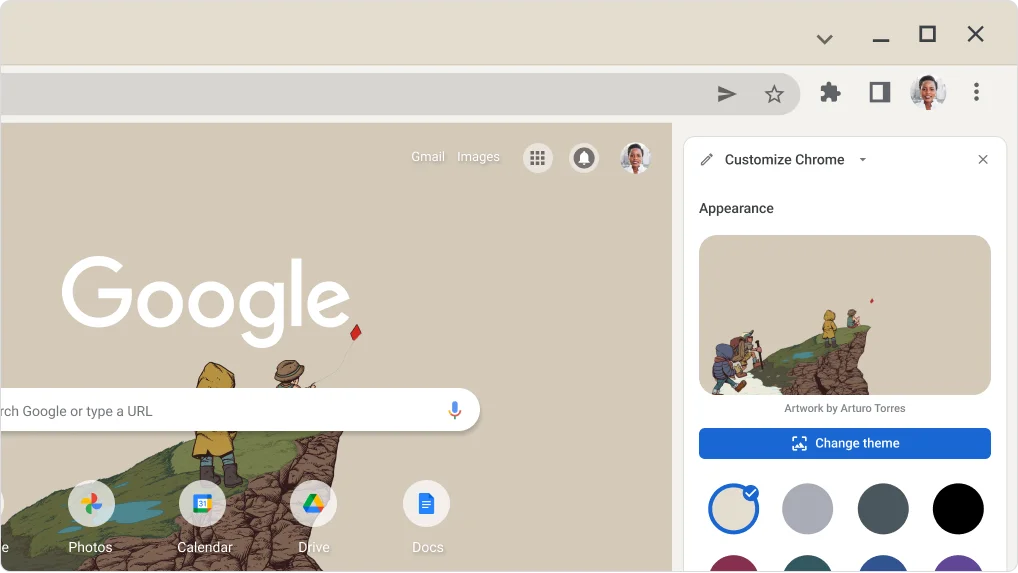
Explore new categories and personalized recommendations that simplify your search for the perfect themes and extensions to customize your browser.
- Open the Chrome menu.
- Select Extensions, then Visit Chrome Web Store.
- Explore extensions and themes to make Chrome your own.


Chrome Tip
Browse with a secure connection
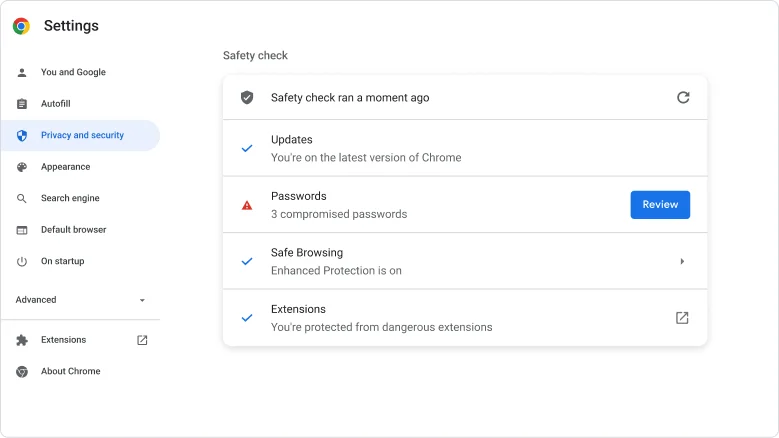
Chrome can warn you before you visit a site over an insecure connection. This keeps you safer online, especially on public networks like at coffee shops and airports.
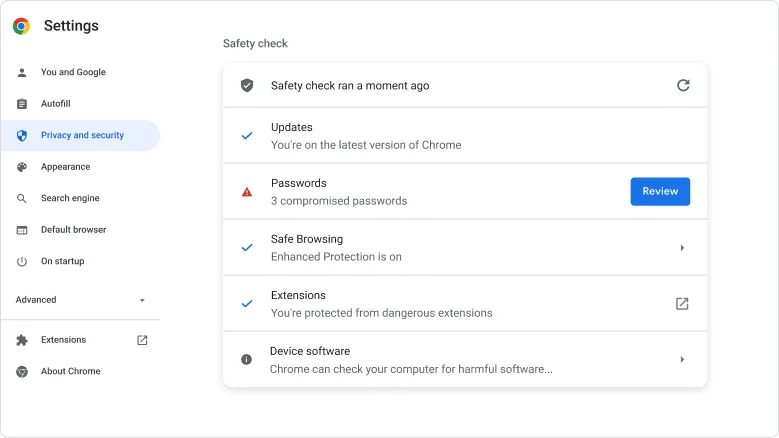
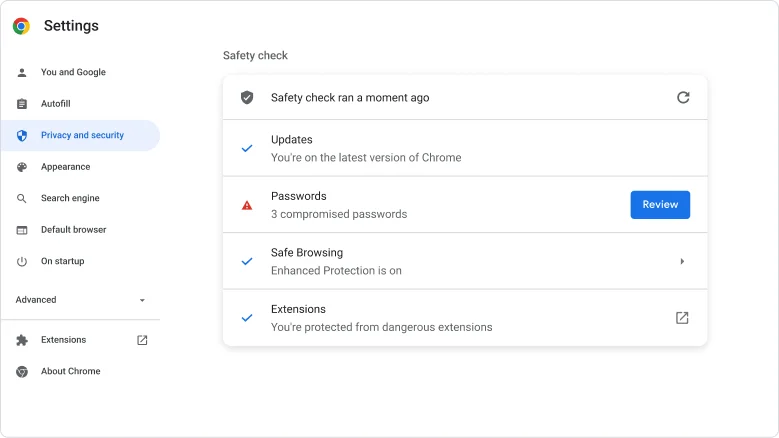
- Open Chrome menu and select Settings.
- Click Privacy and Security and select Security.
- Under the Advanced section, turn on Always use Secure Connections.