What’s New in Chrome
New experimental AI features

Productivity
Write with more confidence across the web
You can enter a few words or a first draft to get AI writing suggestions from Chrome.
- In , turn on Help me write.
- Go to a site where you want to write.
- Right-click on any open text box and select Help me write, then enter a few words or a first draft into the prompt box.
- Click Create to get a writing suggestion. If needed, you can change the length or tone of the suggestion.
- When you’re happy with the suggestion, click Insert to paste it into the open text box.


Customize
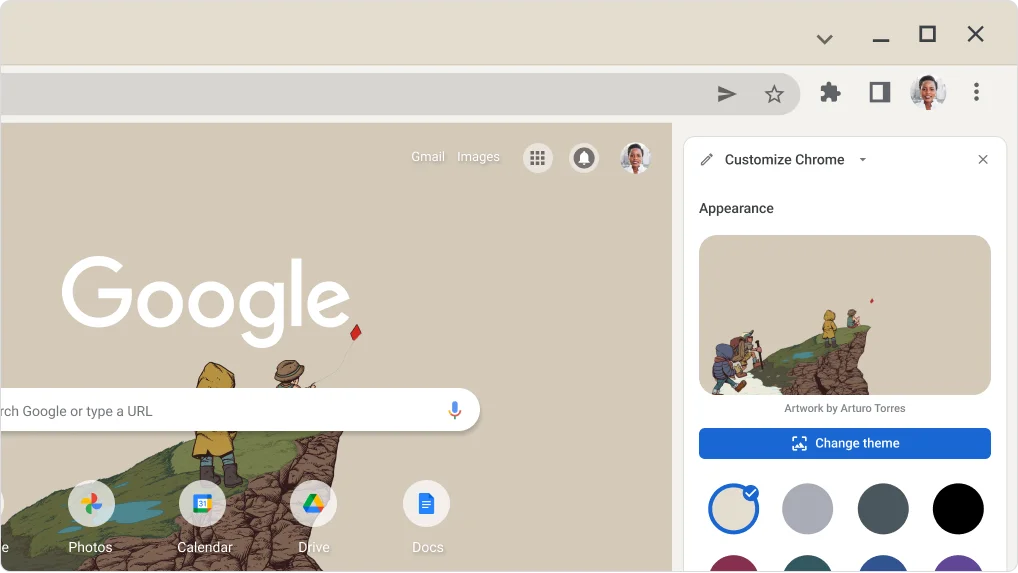
Create a unique image using AI to set as your Chrome theme
Combine your imagination with subject, style, mood, and color options to bring your custom theme to life.
- In , turn on Create themes with AI.
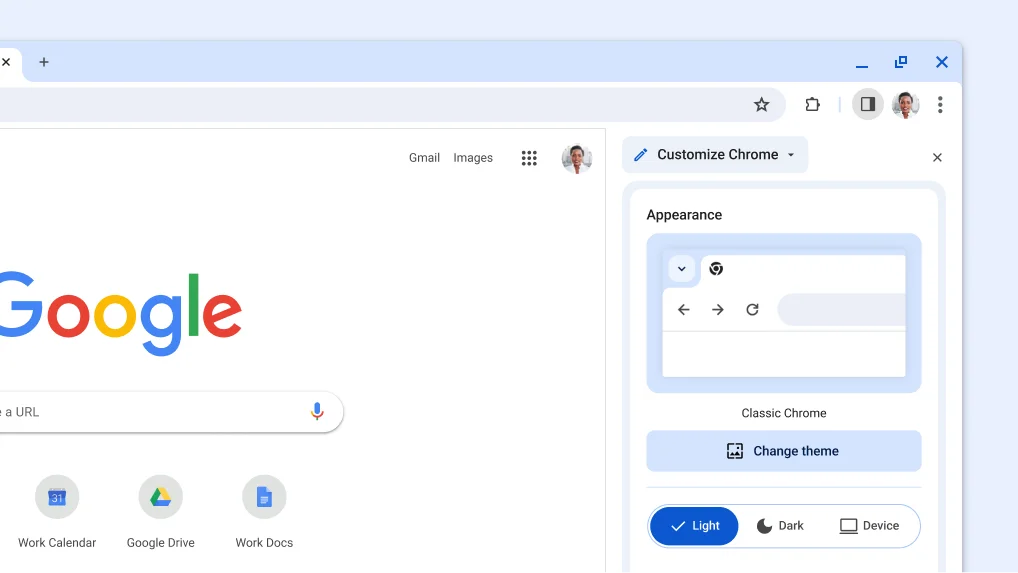
- Open a New tab and at the bottom of the page, click Customize Chrome.
- Under Appearance, click Change theme.
- Under Themes, click Create with AI.
- Choose from subjects, styles, moods, and colors, and click Create.


Productivity
Smartly organize your open tabs
To help you stay organized, Chrome can suggest and help you create tab groups.
- In , turn on Tab organizer.
- At the top right of your browser, click Tab Search .
- Under the Organize tabs section, click Check Now to get a tab group suggestion.
- You can edit the group name or remove tabs.
- When you’re happy with the group, click Create Group.
- In , turn on Tab organizer.
- At the top left of your browser, click Tab search .
- Under the Organize tabs section, click Check now to get a tab group suggestion.
- You can edit the group name or remove tabs.
- When you’re happy with the group, click Create group.